NIKA use case
NIKA for Construction & infrastructure
See progress and catch deviations using the reality-capture tools US contractors already deploy.
For GCs and project teams — track progress and inspect assets without another truck roll.
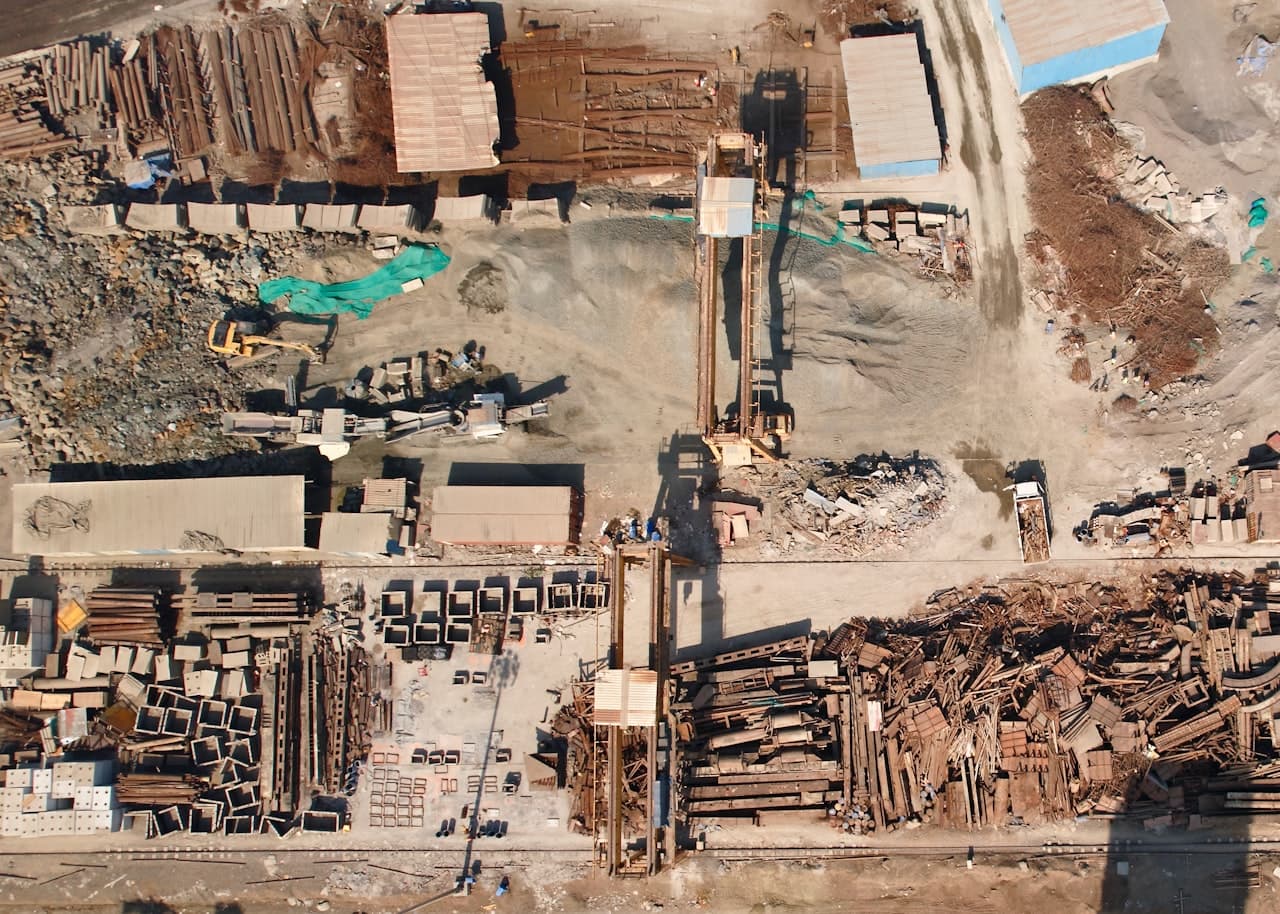 Zoshua Colah / Unsplash
The challenge
Everything you need exists — just not in one place.
Project teams capture reality with drones and 360 cameras, but the data sits unused in separate apps — so progress disputes and missed deviations still cost truck rolls and rework.
What NIKA does
How NIKA helps construction & infrastructure teams.
Track progress
Compare each capture to the design model and flag deviations automatically.
Measure earthwork
Compute cut-and-fill volumes over time from drone surveys.
Inspect remotely
Find the assets that actually need an on-site visit from imagery.
Products that power this
From the old way to the NIKA workflow.
Project teams capture reality with drones and 360 cameras, but the data sits unused in separate apps — so progress disputes and missed deviations still cost truck rolls and rework.
- 7 data sources that don’t talk to each other
- Analysts stitch it together by hand — days per question
- Often stale by the time the answer lands
- Capture realityNIKA GeoEngineExplore GeoEngine
Turn drone surveys into 3D models and cut-and-fill volumes over time.
- Compare to designNIKA AnalystExplore Analyst
Flag deviations against the design model and quantify progress automatically.
- Inspect on siteNIKA MobileExplore Mobile
Send inspectors only where they're needed and capture sign-off offline.
Progress visibility and fewer truck rolls to site.
How it works
From your data to a decision.
- Step 1
Connect your data
Files, folders, and the platforms your team already pays for.
- Step 2
Ask in plain language
No query language, no technical expertise — just the question.
- Step 3
NIKA reasons across location
It reads, searches, and runs the analysis grounded in real coordinates.
- Step 4
Get the decision
A report, map, or answer you can act on and share.
Data connectors NIKA uses
NIKA plugs into the platforms construction & infrastructure teams already pay for, then reasons across them in one place.
- Procore
- Autodesk Construction Cloud
- DroneDeploy
- Propeller
- OpenSpace
- Trimble
- Bluebeam
What you can ask NIKA
- Compare this week's DroneDeploy capture to the design model and flag deviations.
- Track cut-and-fill earthwork volumes over time.
- List the assets that need an on-site inspection from imagery.
More use cases